Your rewards
Sign in to see how much reward credit you have and the details of your rewards.
Sign in to view my rewardsAUCTION REWARD PROGRAM
How your rewards work
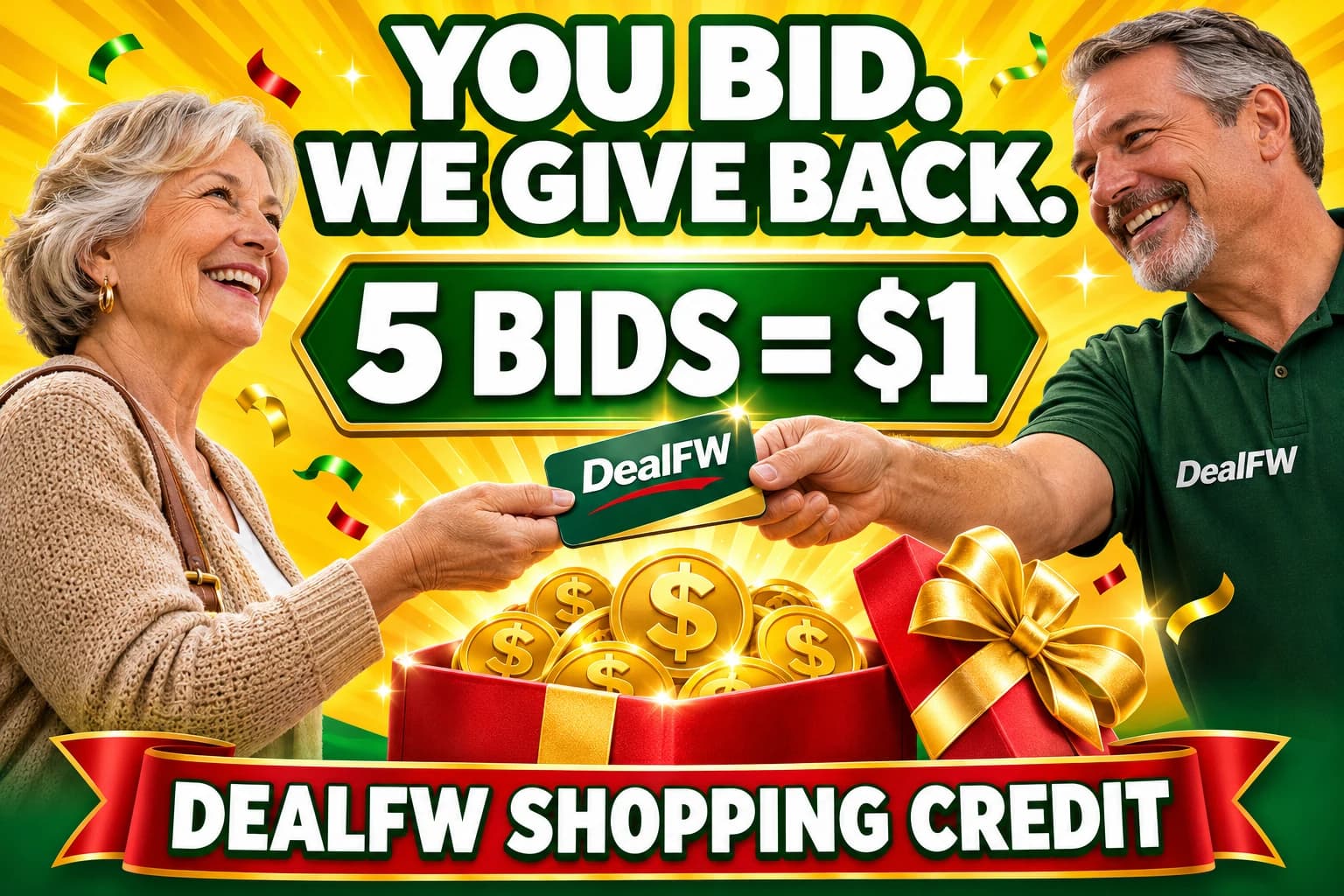
Thank you for supporting DealFW. Every 5 eligible bids earn $1 in shopping credit for your next find. Rewards start with Auction 6, and leftover bids carry over.
AI campaign illustration. Gifts and dollar tokens represent DealFW shopping credit, not a cash payout or physical prize.
01
Match your email
Create a DealFW account using the same email address as your HiBid bidder account.
02
Verify and sync
Verify your DealFW email. Your account can then match the auction records imported by our team.
03
Spend your credit
Check Account → Rewards, then use available auction credit on eligible Buy now items.
More bids, more shopping credit
Rewards started with Auction 6. Every 5 eligible bids earn $1 in DealFW shopping credit across Auction 6 and later auctions. Auctions 1–5 do not count. You do not have to win to earn credit.
5 bids = $1 · 25 bids = $5 · 50 bids = $10 · 100 bids = $20.
Keep bidding on items you want and build credit for your next DealFW purchase. Leftover bids carry over toward your next dollar: 12 eligible bids earn $2, with 2 bids saved toward the next dollar.
Rewards depend on the auction records our team imports and verifies. They may not appear while you are bidding or immediately after an auction. Check your account after records have been updated, and contact us if something looks missing.
Offers, reward rates, eligibility and program terms are subject to change at any time.
Your DealFW email must match your HiBid email
Use the same full name and email on DealFW and HiBid, and verify your email on DealFW. Your private Account → Rewards page shows your saved name and email so you can check them. If you choose Continue with Google, select the Google account whose email matches your HiBid account. We use your verified email to find your auction reward record; a matching name or phone number alone does not connect credit.
Already signed up with another email? Sign in and contact our team for help connecting your records. If your balance says email verification is required, choose Verify my email, follow the email link, then refresh your balance. If your account needs review, contact us so we can check the match.
How to use available auction credit
- Sign in and open Account → Rewards to see available auction credit.
- Choose Shop with my credit and open an available Buy now item.
- Keep Use my auction credit selected on the item page, then choose Buy now with credit. Review the applied credit and pay any remaining item balance, plus applicable tax and shipping.
- You can also apply credit when using Reserve and pay at pickup. Follow the order’s pickup instructions.
Credit applies to purchases on DealFW, not bids or invoices on HiBid. Credit already paid to you or used on purchases is deducted from your balance. Credit held for an order is unavailable for another order while that hold remains active.
Your rewards and coupons
Auction credit is the dollar balance earned from eligible auction bids. Staff-issued reward coupons are shown separately in your account. Follow the instructions and any expiration date shown on each issued coupon.
Creating an account or linking a guest purchase does not itself earn auction credit. Email and SMS marketing subscriptions are separate optional choices.
To save a guest purchase, open your order confirmation or the secure link in your receipt, sign in with the same verified email, and choose Add purchase to my account. Linked purchases appear in your order history.
Missing rewards? We’re here to help.
Sign in to check your balance, or contact us any time you have an issue. Include your DealFW account email, your HiBid bidder email, and the auction number so our team can investigate. Never send your password.